
Quiver Tutorials
Guides, walkthroughs, and videos for getting the most out of Quiver — whether you're exploring our datasets on the site, building a strategy on the API, or connecting Quiver data to your AI tools.
Quiver Site
Finding and using Quiver's data on the platform
A tour of the platform: what alternative data is, how our dataset dashboards work, and where to find Strategies and ticker search.
Read the guide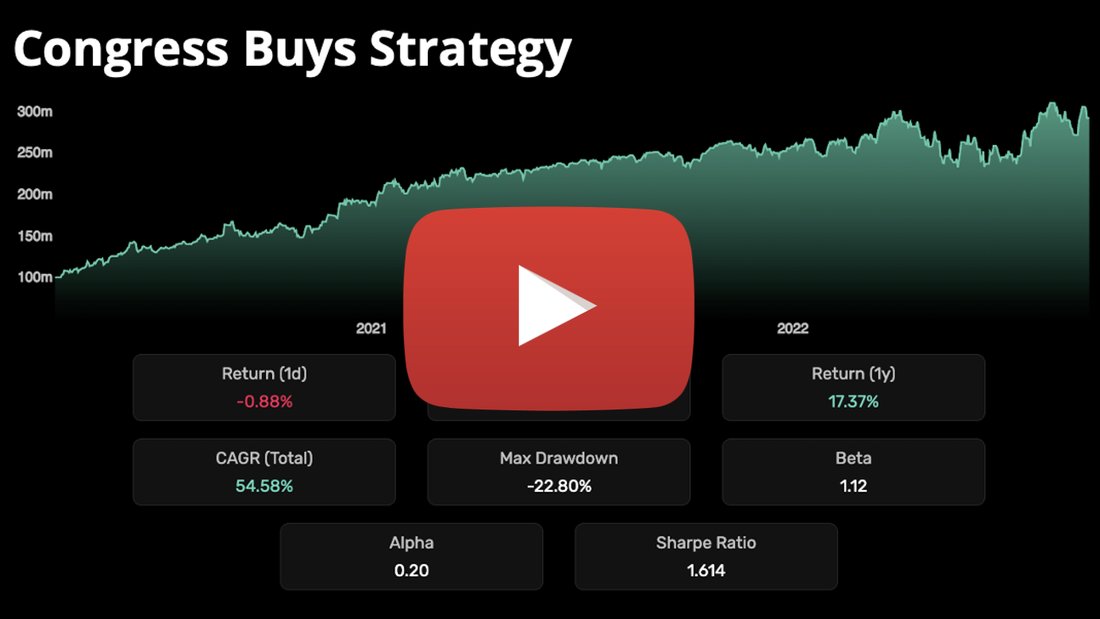
A walkthrough of Quiver Strategies — reading a strategy's backtested performance, holdings, and recent trades so you can follow it in your own portfolio.
Watch on YouTubeQuiver API
Building and backtesting with Quiver's data in code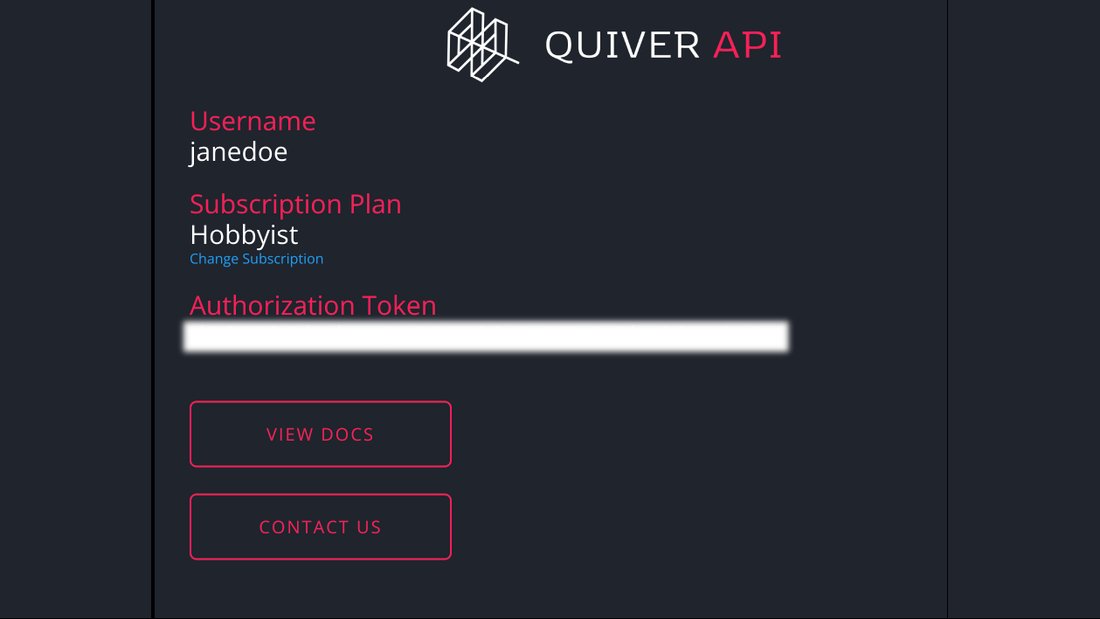
Get your API key, set up a Python environment, fetch your first dataset, and build a visualization from it — in four steps.
Start here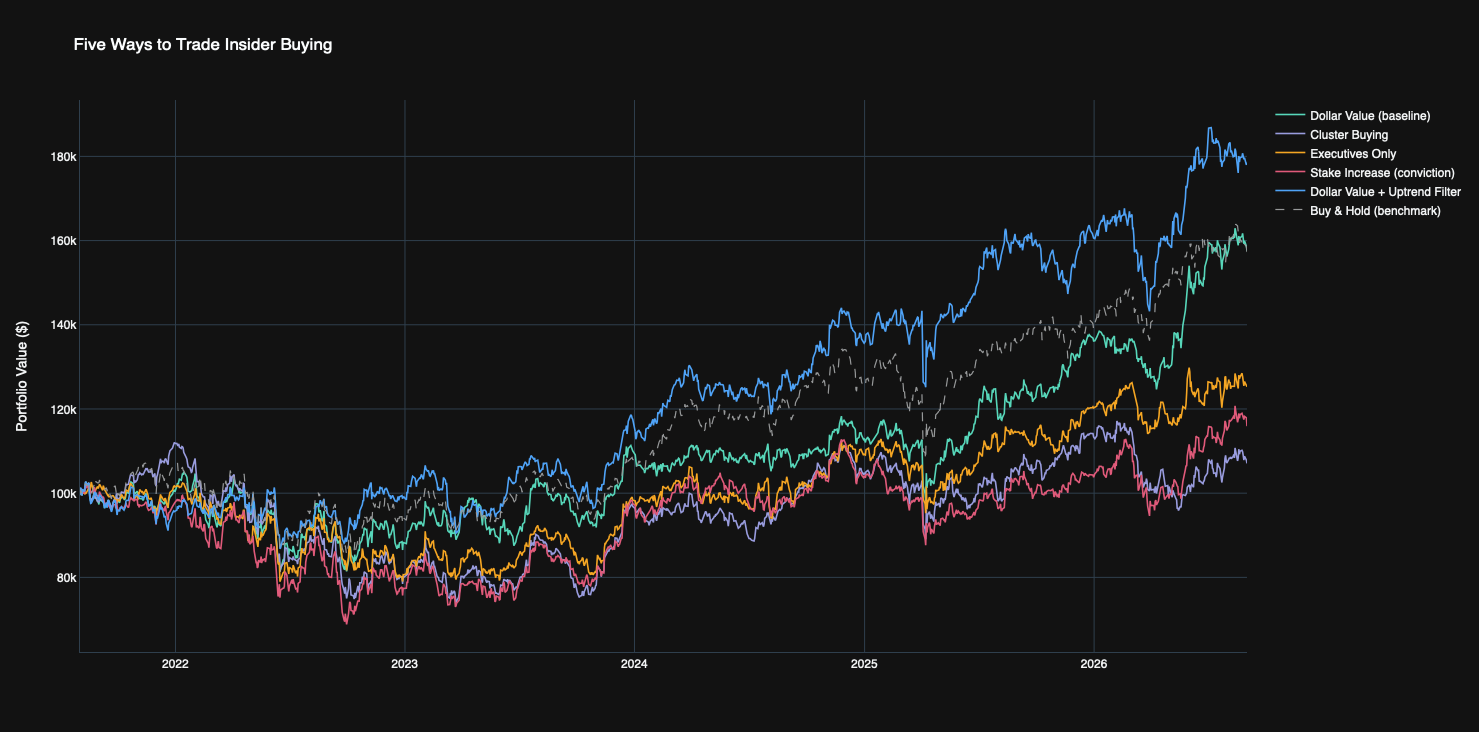
Pull Form 4 filings from the Insider Trading API and test five ways of ranking insider purchases head-to-head against buy-and-hold. Full Python script included.
Read the tutorialQuiver MCP
Querying Quiver data through Claude and other AI tools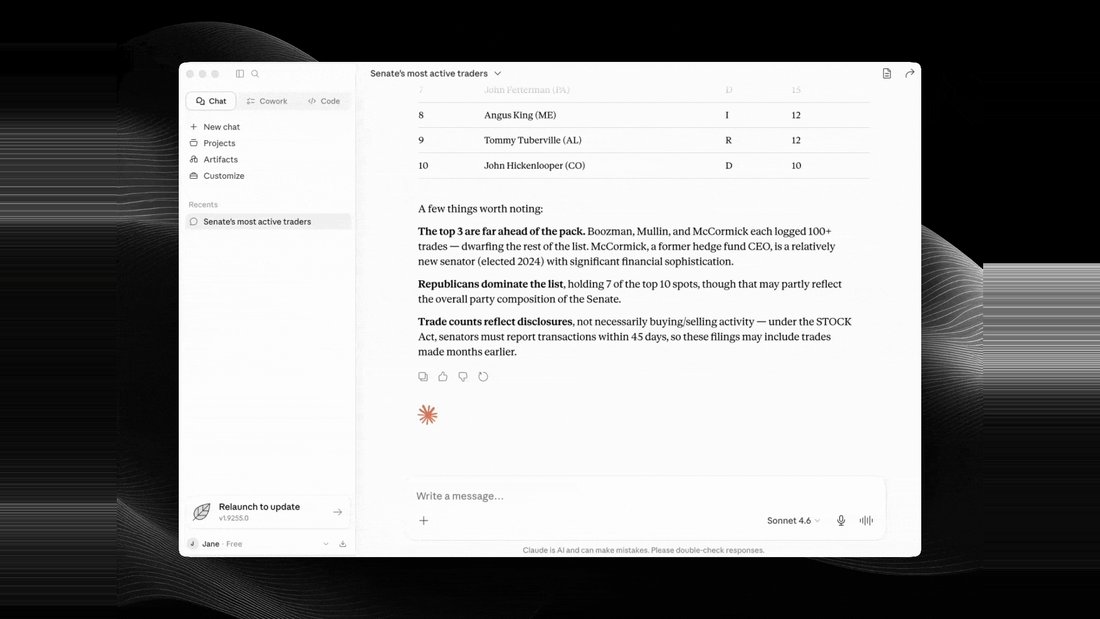
Connect Claude to Quiver's remote MCP server, see which tools it exposes, and start asking questions about congressional trades, contracts, and filings in plain English.
Start here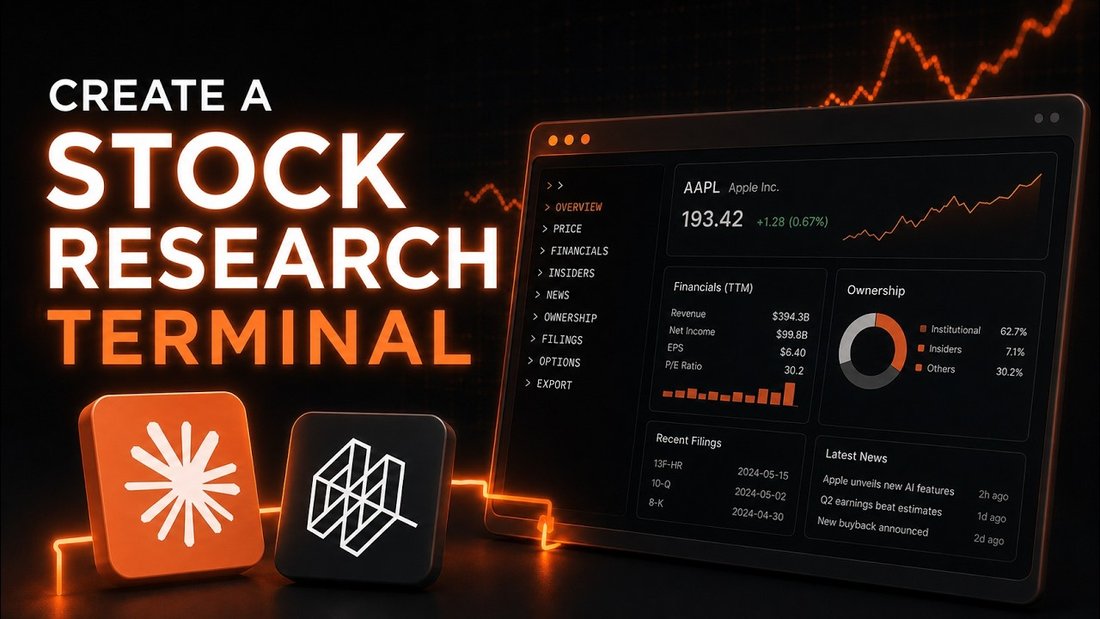
A hands-on walkthrough of putting Quiver's MCP server to work: turning Claude into a research terminal that pulls live Quiver data on demand.
Watch on YouTubeWant a tutorial on something specific? Email us at [email protected].